

Welcome back again. As you can see, we are starting to populate the site with new content. There are few new writers and contributors waiting in the wings with new content. If you are interested in contributing, just contact me using the contact form.
As for what’s going on around here, I’ve got a couple of interesting conventions to tell you about.
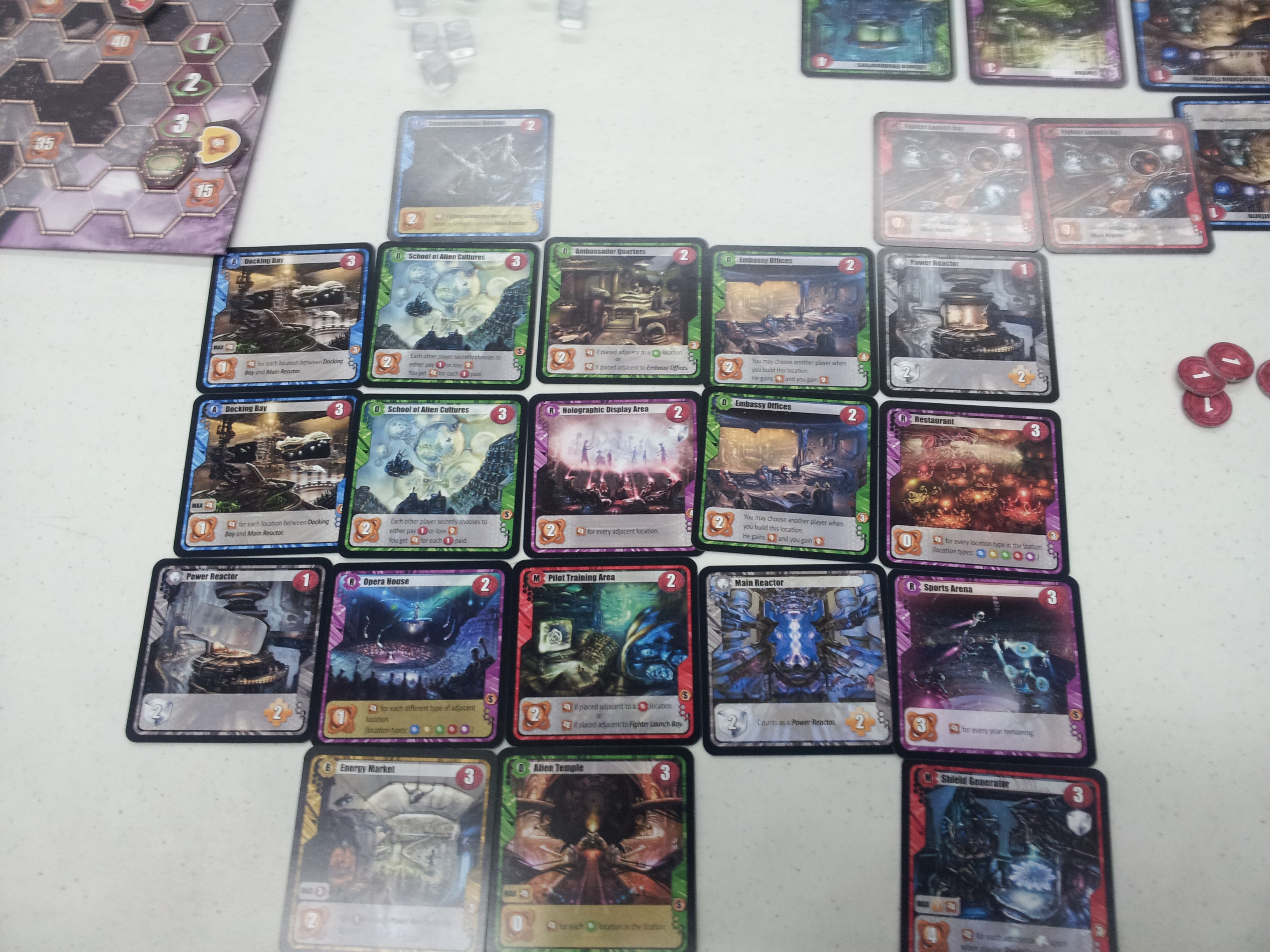
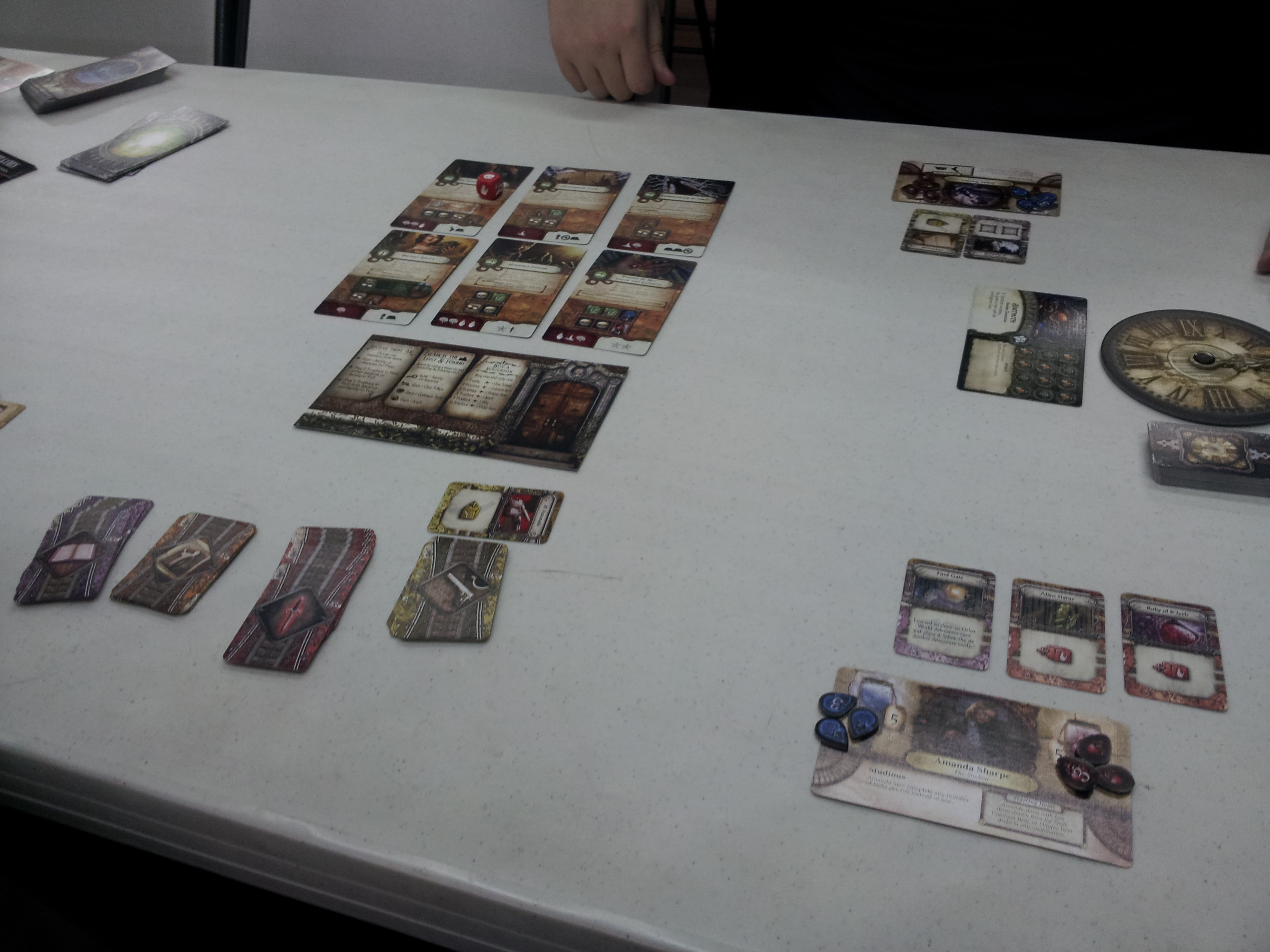
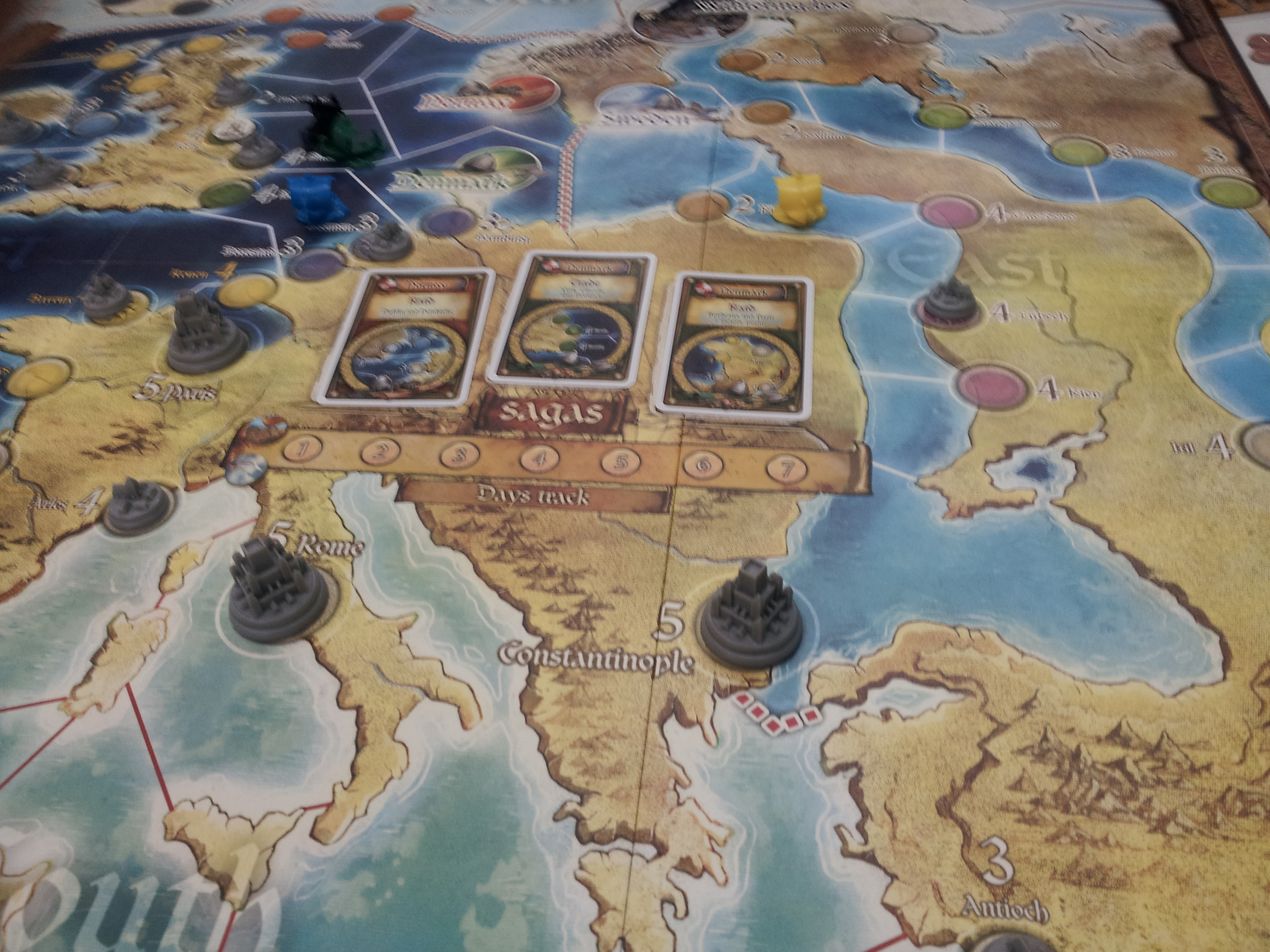
 First, GaMExpo is coming up next week. That’s November 3-5, 2017. It’s going to be at the Hilton on Westover Hills here in San Antonio. I’m working the convention, so if you are attending, please track me down or drop me a line. GaMExpo is a board, RPG, and video gaming convention. It is partnering with another convention this year, so the attendance should be interesting, and if you also enjoy Anime, you should not miss it. I’m excited to be involved again with one of my hobbies (board gaming). While in law school, it took a way way way back burner, so I’m happy to have the time again to devote to the convention.
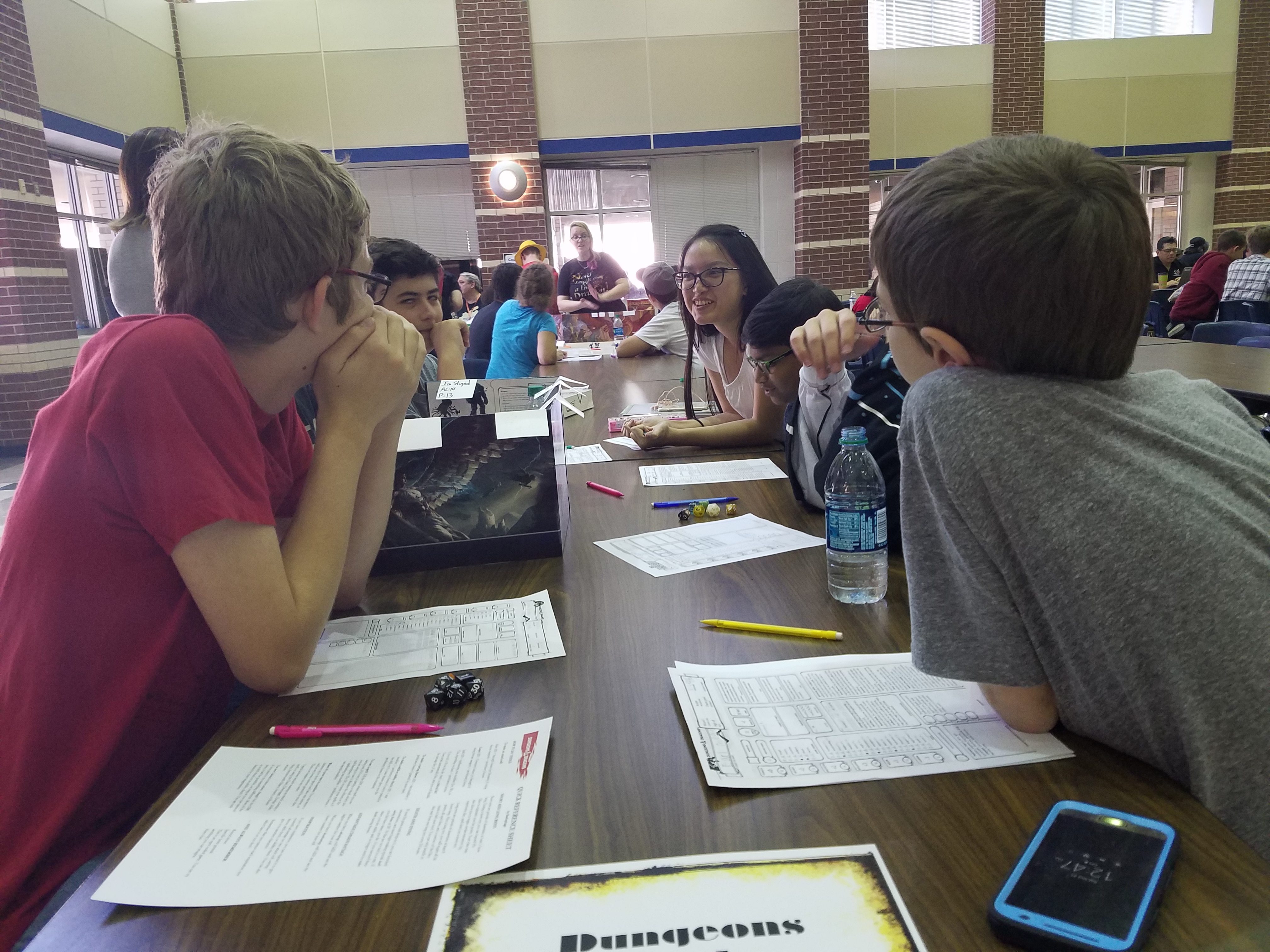 I also took my son, known on this site as Nick the Gamer, last weekend to a local convention put on by his school district (NISD) called Nerdvana Con. He had a blast. We listened to some young adult authors talk about their journeys. We also went to a talk by one of my friends who also organizes the above mentioned GaMExpo about creating You Tube shows (he co-hosts Geek Out SA with his wife, which you can check out here). Finally, he got to play Dungeons and Dragons for the first time, which he loved. I’m really impressed with the school district for putting something like this together. The only complaint I had was that there was too much going on during each time slot and choices were hard to make at times. That might have been avoided by making the convention a few hours longer (it ended at 3 PM).
As for me, besides plugging away at this site, I’m prepping for what might actually be my first trial. I can’t talk about details of my work much, but I can say I am very much enjoying the work and learning a great deal. I’m also doing decent with my Fantasy Football league for the first time ever, which is a new feeling. Let’s hope it keeps up!



Recent Comments